
Removing dust from the light source (HDS)
First try to gently clean the visible part of the light source with a dry lint-free cloth or air-blower.
If dust particles remain visible, the light source can be partially dis-assembled for a more thorough cleaning:
– Unscrew the cap nut to free the housing of the light source
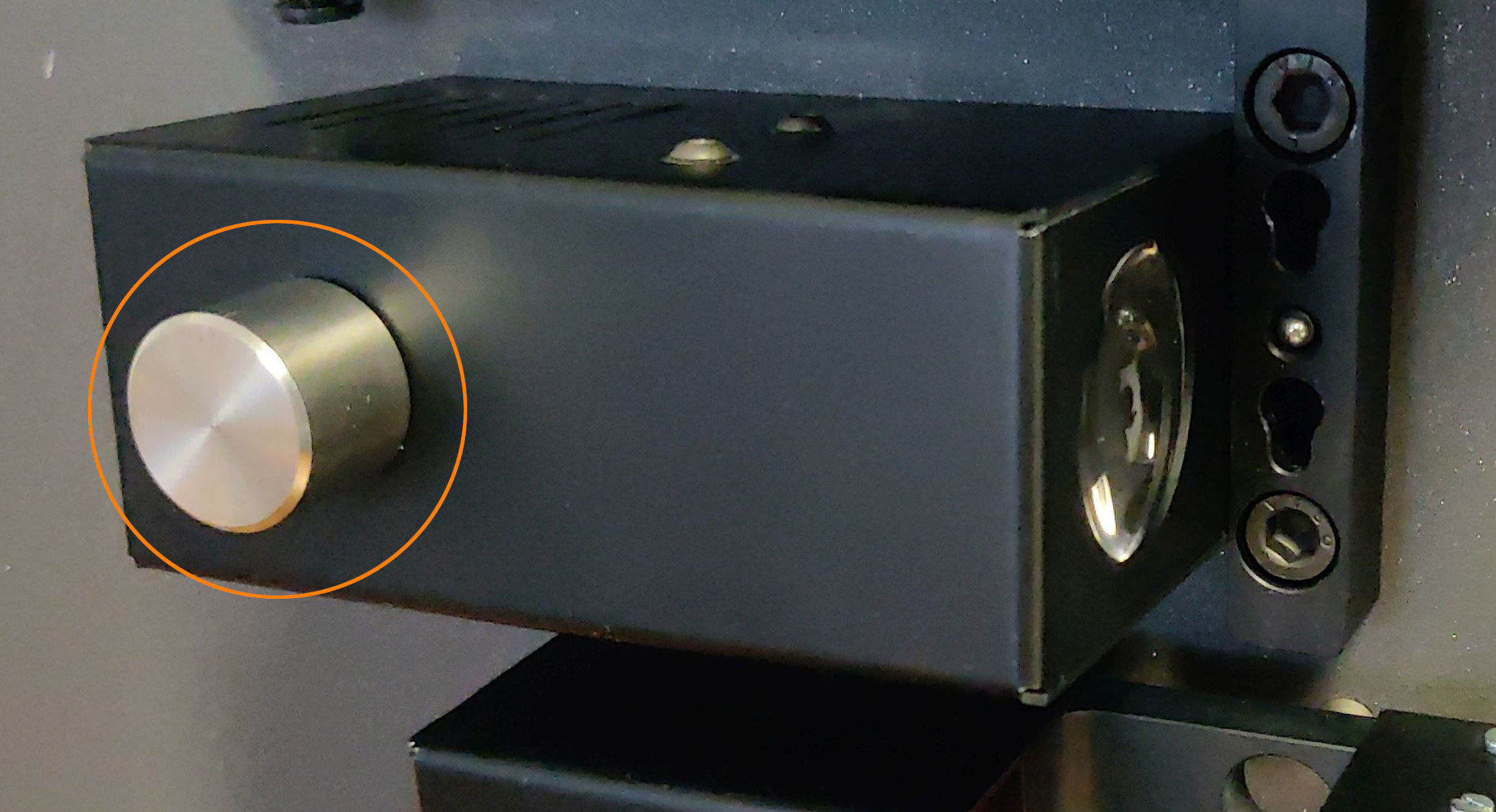
– Slowly pull the housing away from the scanner
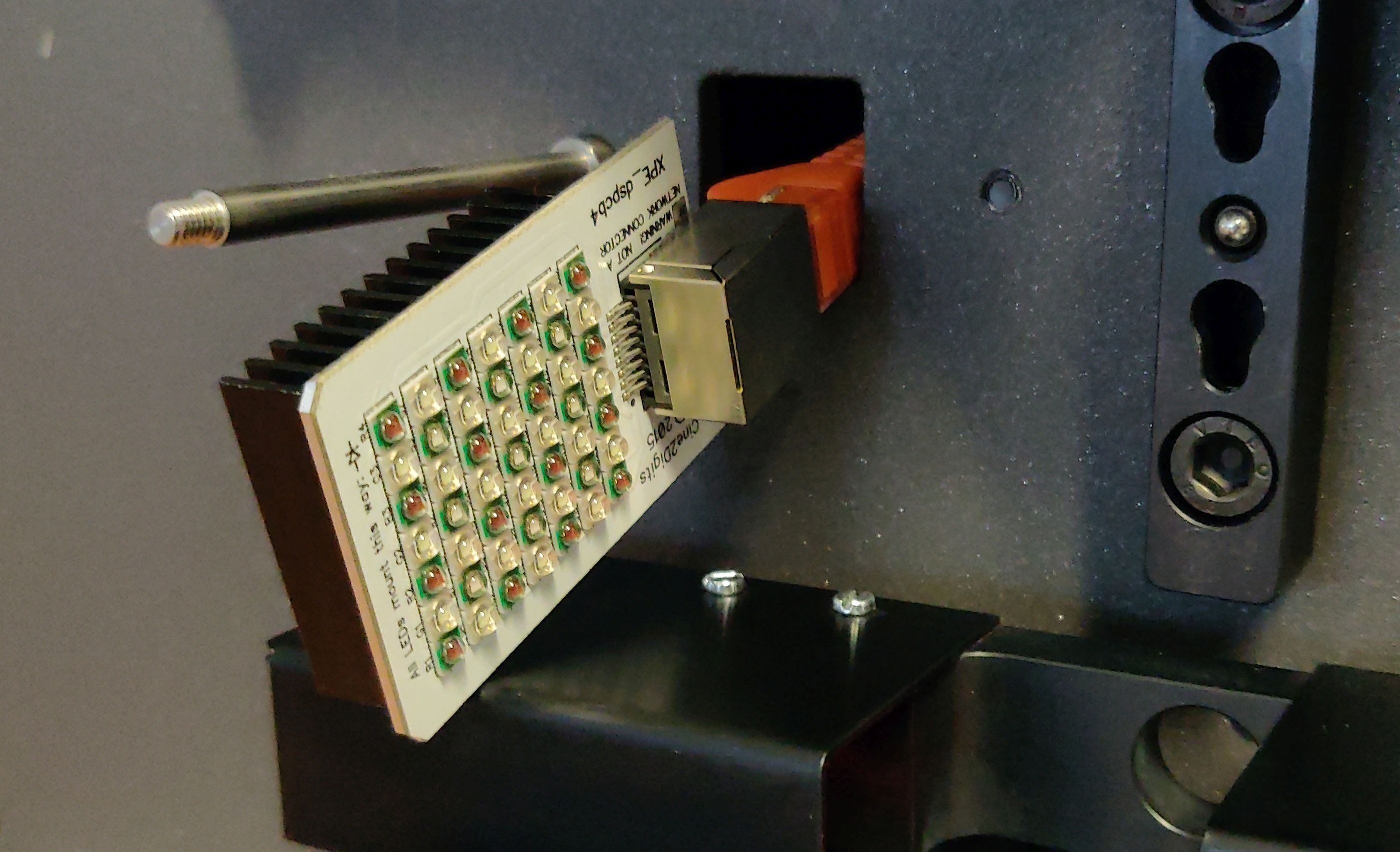
– Slide the LED board out of the housing (it is attached inside the scanner, leave it hanging in place)
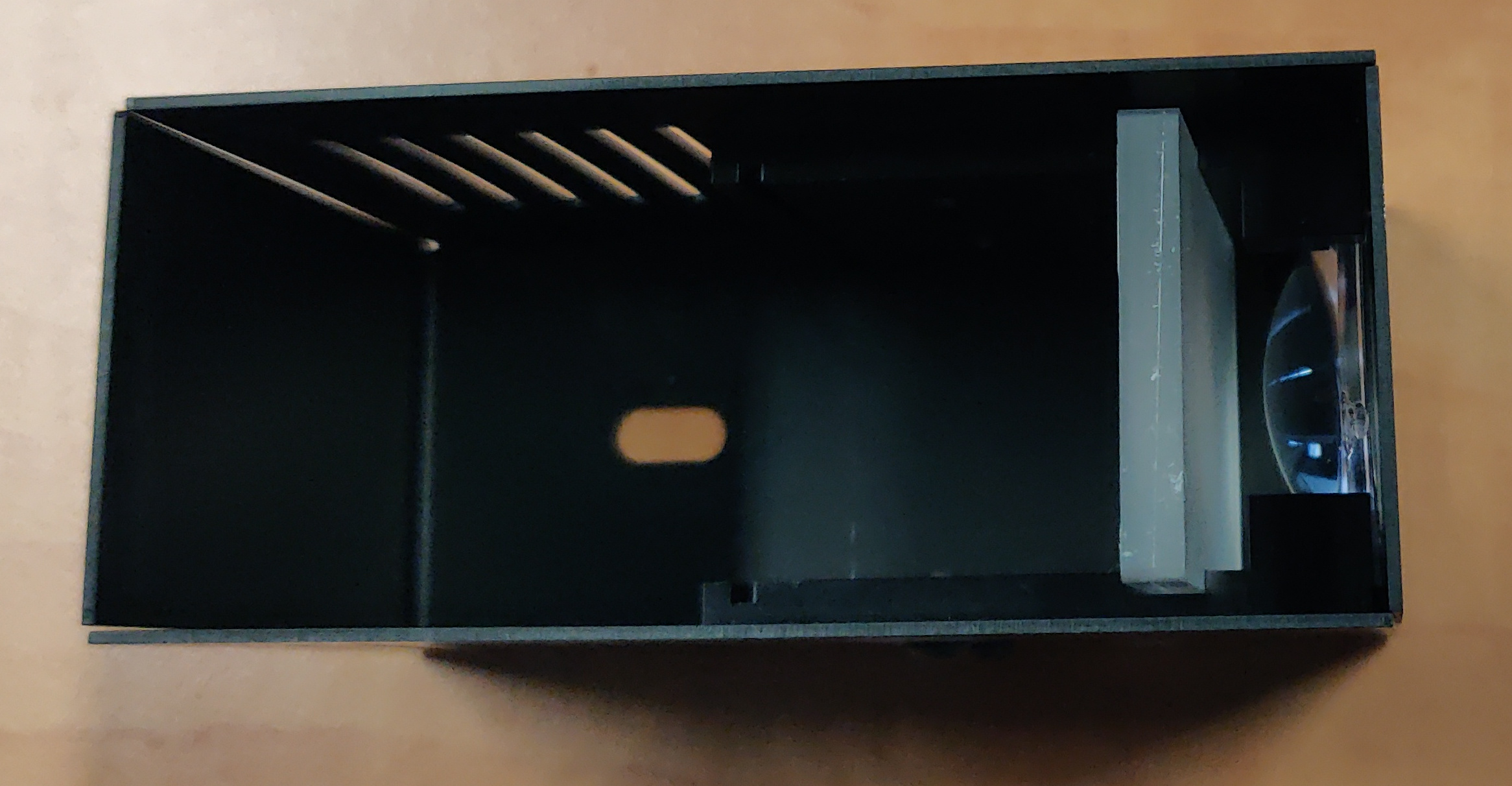
– Inside you will see a light diffuser plate and the lens. Both can be gently cleaned with a dry lint-free cloth. Use a lens-cleaning agent if needed.
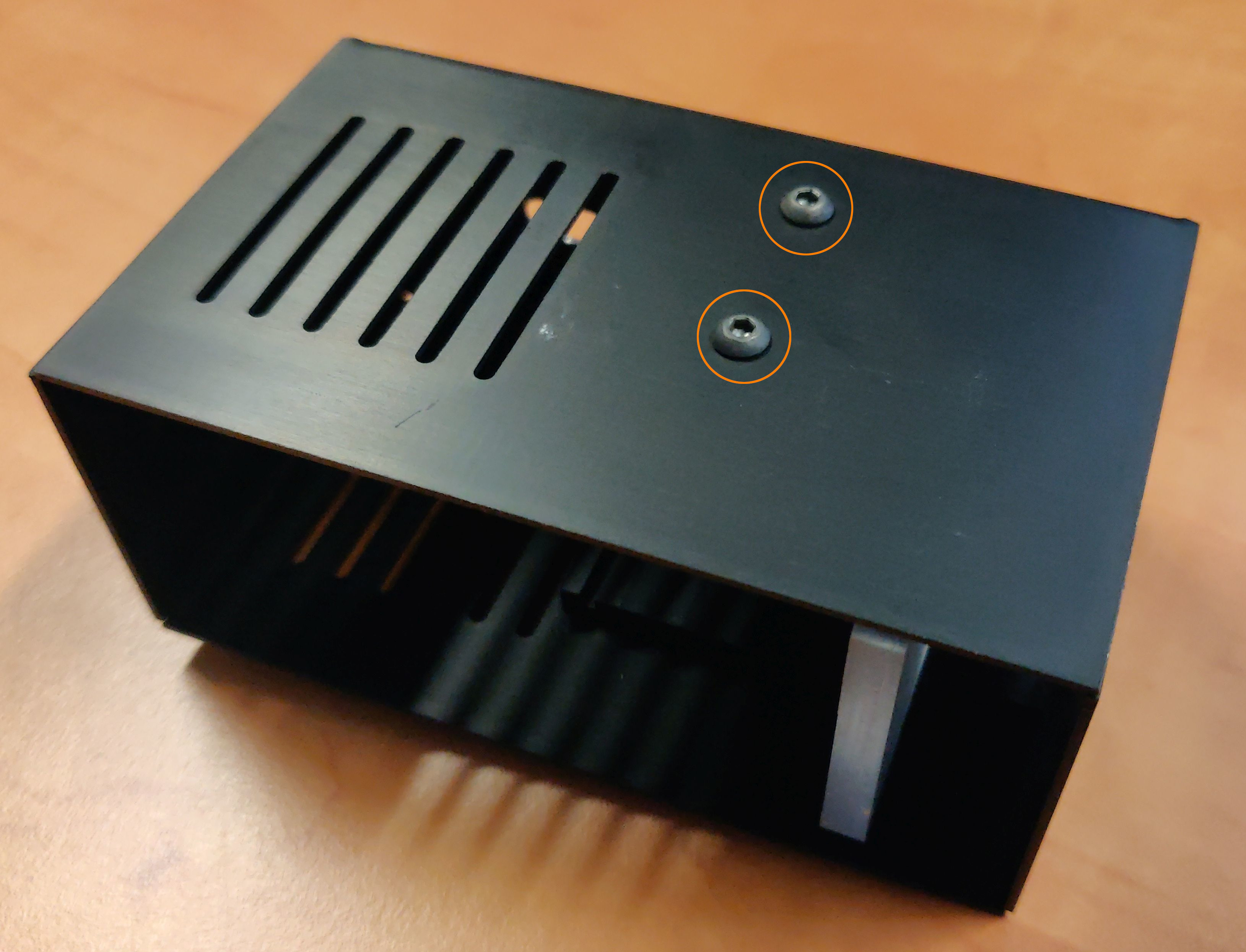
– It is probably not required for the cleaning of the exposed surfaces, but you can free the lens by unscrewing the holder pieces from the top and bottom of the housing.
– With the scanner turned off, use compressed-air to blow dust from the LED board itself.
– Reassemble by sliding the LED board in the slits then slide the housing in place and screw the cap nut.