
Remote sessions with RealVNC
Start by downloading the On-Demand Assist software from https://www.realvnc.help
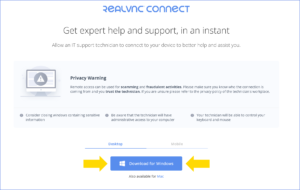
Then simply run it and type the code that we sent to you:
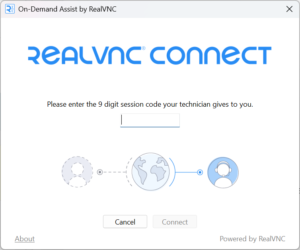
This will open a secure remote session.
Note that the code is only valid for 10 minutes and we will need to send you a new one if it expired.