How to install Teamviewer for support sessions?
We sometimes require connecting remotely to your workstation to diagnose issues and troubleshoot.
Please have Teamviewer installed on your PC so you are ready when we need to help you.
Teamviewer is free for basic use and can easily be downloaded and installed from the official website: www.teamviewer.com
When offered a choice, please download the “Full Client”.
You won’t need to register.
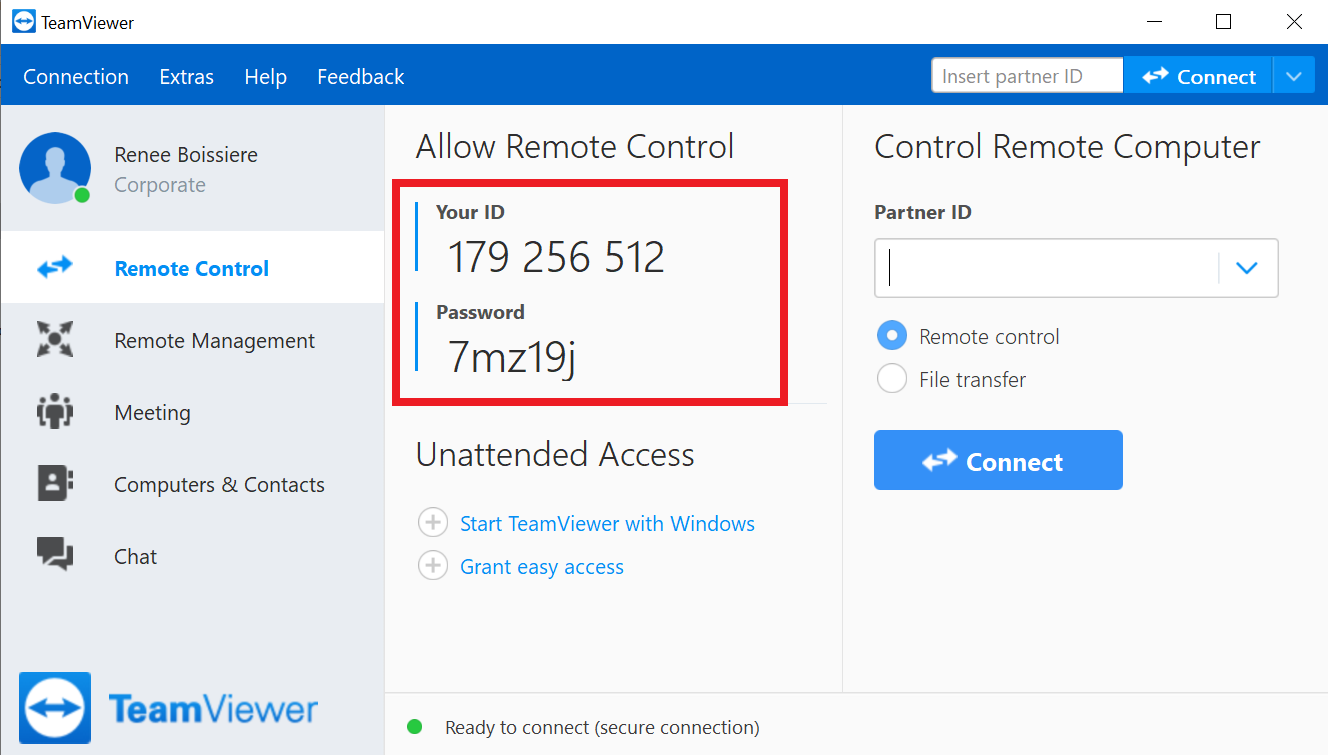
When we ask for a remote connection, just start Teamviewer and communicate us the Control ID and password so we can connect (please write it instead of sending a screenshot):