
How can I scan a piece of film with damaged sprockets? (HDS)
If you have a piece of film which is damaged, you can use the auto-trigger button in C2D to still capture the damaged frames.
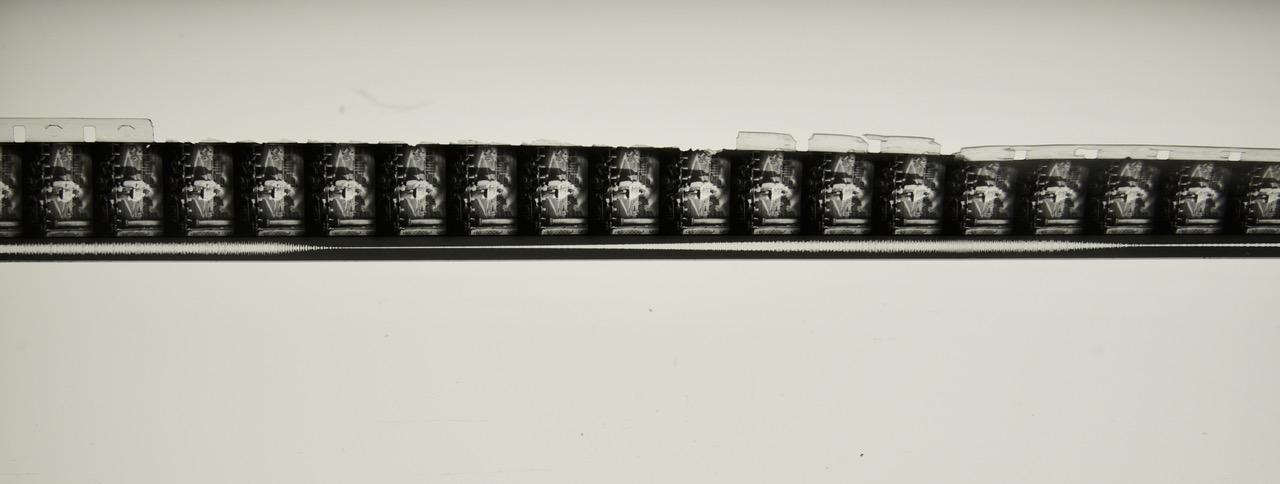
We recommend to do an overscan of this piece of film. Because this give you some additional leeway in post to shift the damaged frames, in case they move during capturing.
Disable the laser trigger, enable the preview flash and set the speed of the preview flash to the same speed as the transport speed. We advise to start a couple of frames before the piece you need and not scan too fast. You might need to make some adjustments on the height.
The auto trigger might cause some movement of the frames because of shrinkage of the film. So in post you can move the over-scanned frame in the right position, similar to the part that you scanned, without damaged sprockets.