
Image stabilisation is not working properly when I change film format (R8/S8) (Pictor)
When you choose your film format (R8/S8), you will need to adapt the zoom level on the lens to fill the frame vertically with the photogram.
With super 8, the zoom level must be limited. Zooming out as much as possible allows to capture the full photogram, vertically.
With regular 8, some zooming in is required, as the photogram is smaller than on super 8 films.
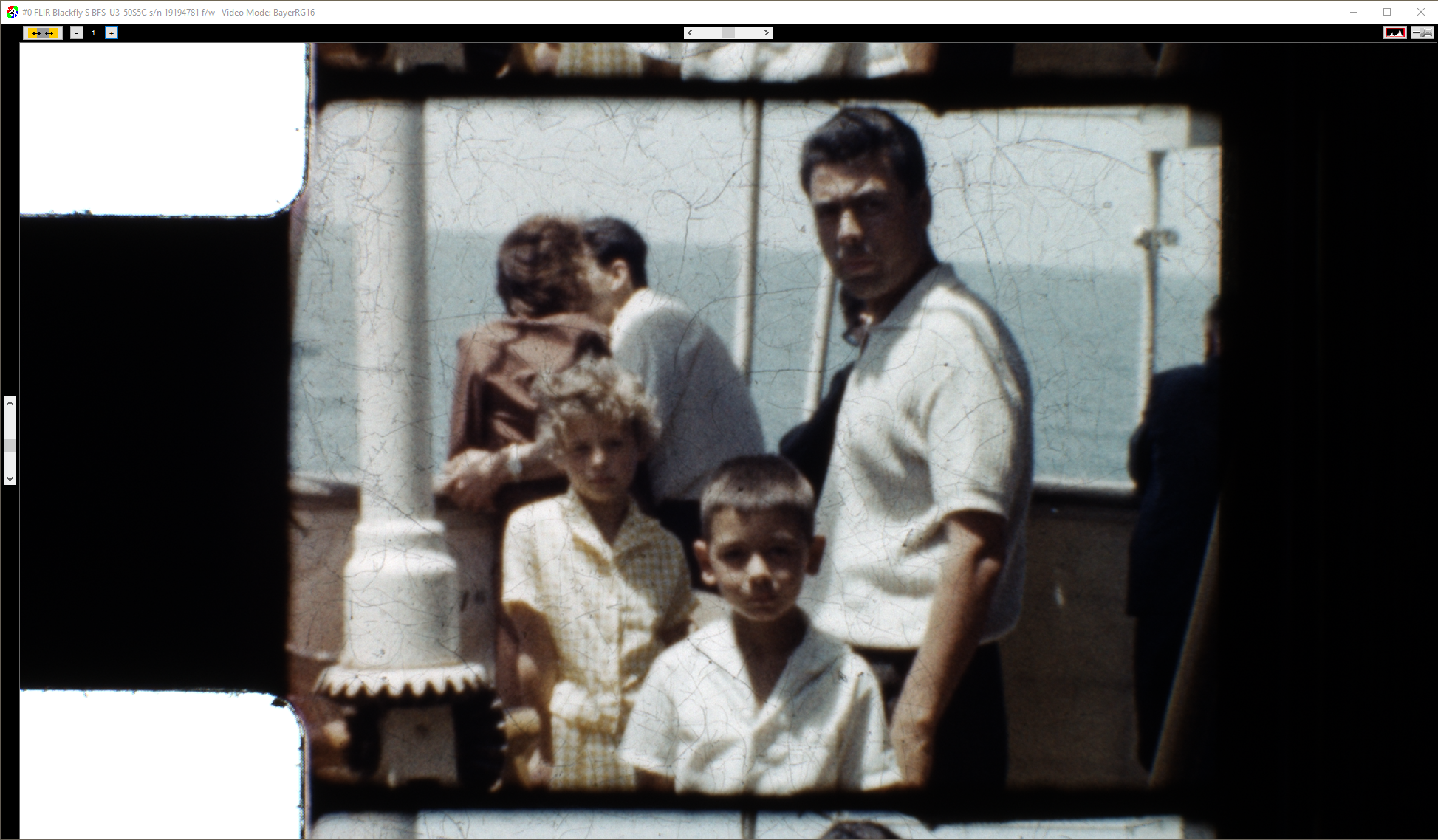 A regular 8 frame at the super 8 zoom level: zooming in is required
If the framing does not approximately match what is expected for a given format, stabilisation may not work properly, as perforations are expected to be at a certain position and of a certain size for each format. You can check that it is where expected when adjusting the sprocket search area, it must be centered in the red frame.
Zooming in too much will cause the sprocket to be (almost) outside of the search area.
Also make sure the right film format is selected, stabilisation will not work for a super 8 film if R8 is selected or vice versa, simply because C2D would then expect a different type of perforation.