
Black Level is not black enough (HDS)
Problem: If Black level stretch function still delivers to much grey images. Or if black is a bit grey in general
Please check the following:
The C2D Gamma Settings should be around 1 or less to get the best performance out of black level stretch
If this won’t work check the next step:
Open the camera menu in settings:
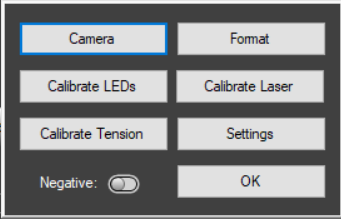
Go to the ‘Analog’ Tab. Check if black level is on auto
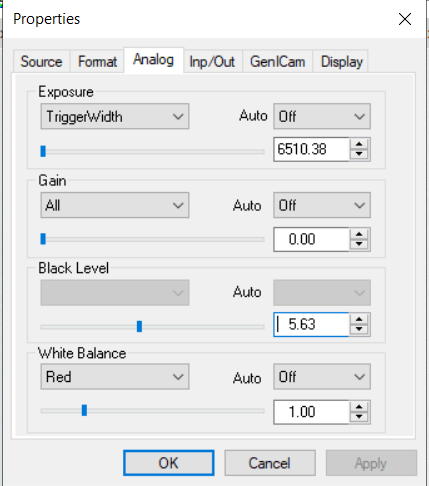
Image: Black level set to high
If the Analog Tab looks like image above take the following steps to correctly adjust the black level:
- Go to Tab Source and uncheck the Acquire video box
- Go to Tab Analog and set Black Level to 0.40
- Go to Tab Inp/Out and click Save.
- Go to Tab Source and check the Acquire video box
You Black should be a lot darker now.
If this did not work please check the black level with another film to be sure.